By platform
TikTok Profile Picture Ideas
Bold, high-contrast pics built for a tiny circle on a fast feed.
-
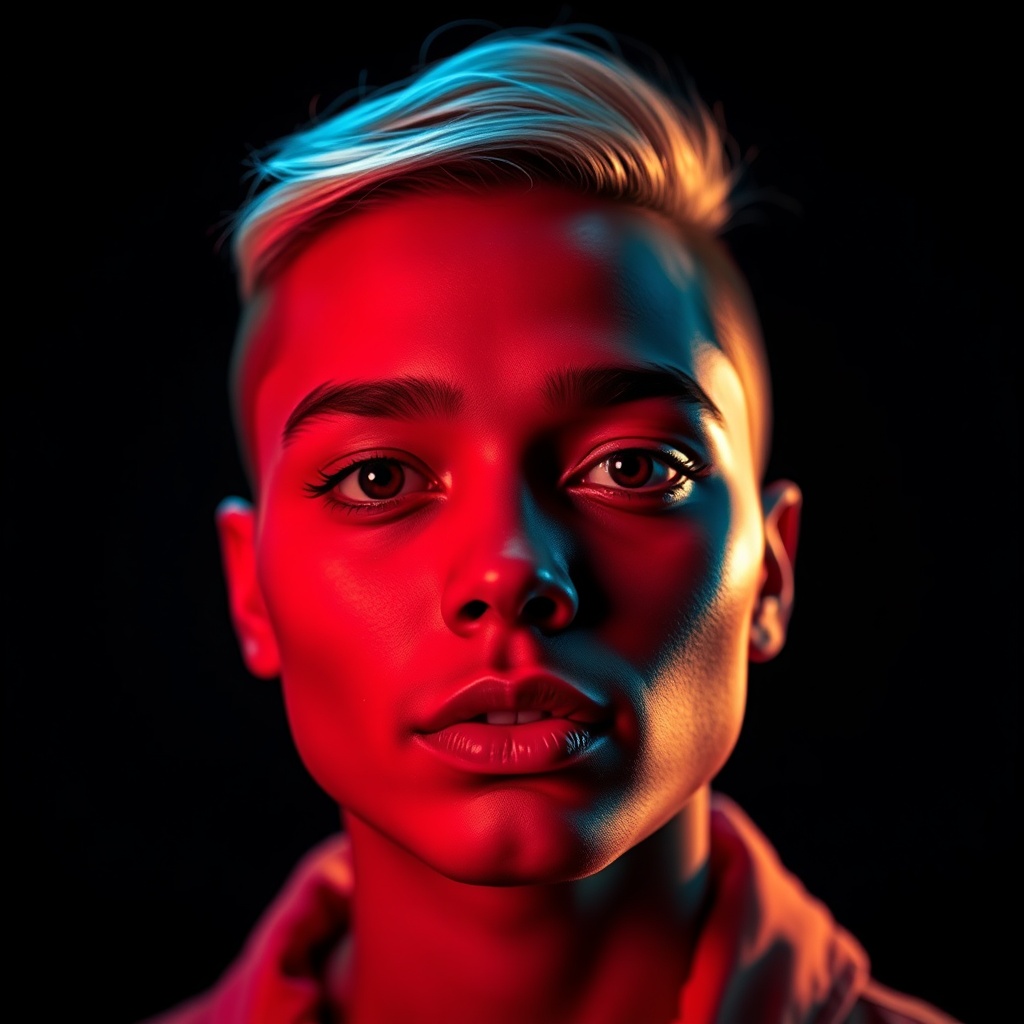 01
01Use the profile video
TikTok lets you set a looping clip, not just a still. A slow 2–6 second loop beats a static photo when the whole app is motion.
-
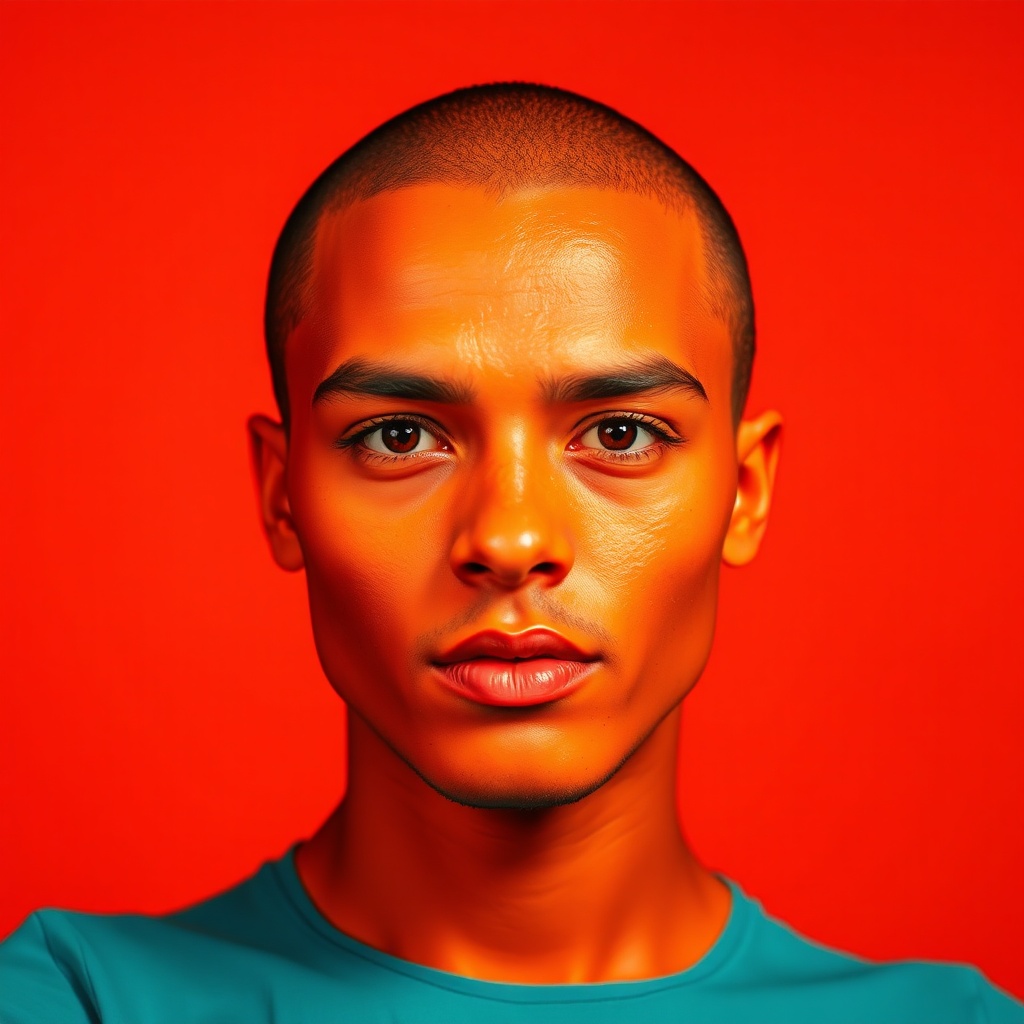 02
02One high-contrast face
Fill the circle with your face against a background that's the opposite brightness. Contrast is the only thing that survives the shrink.
-
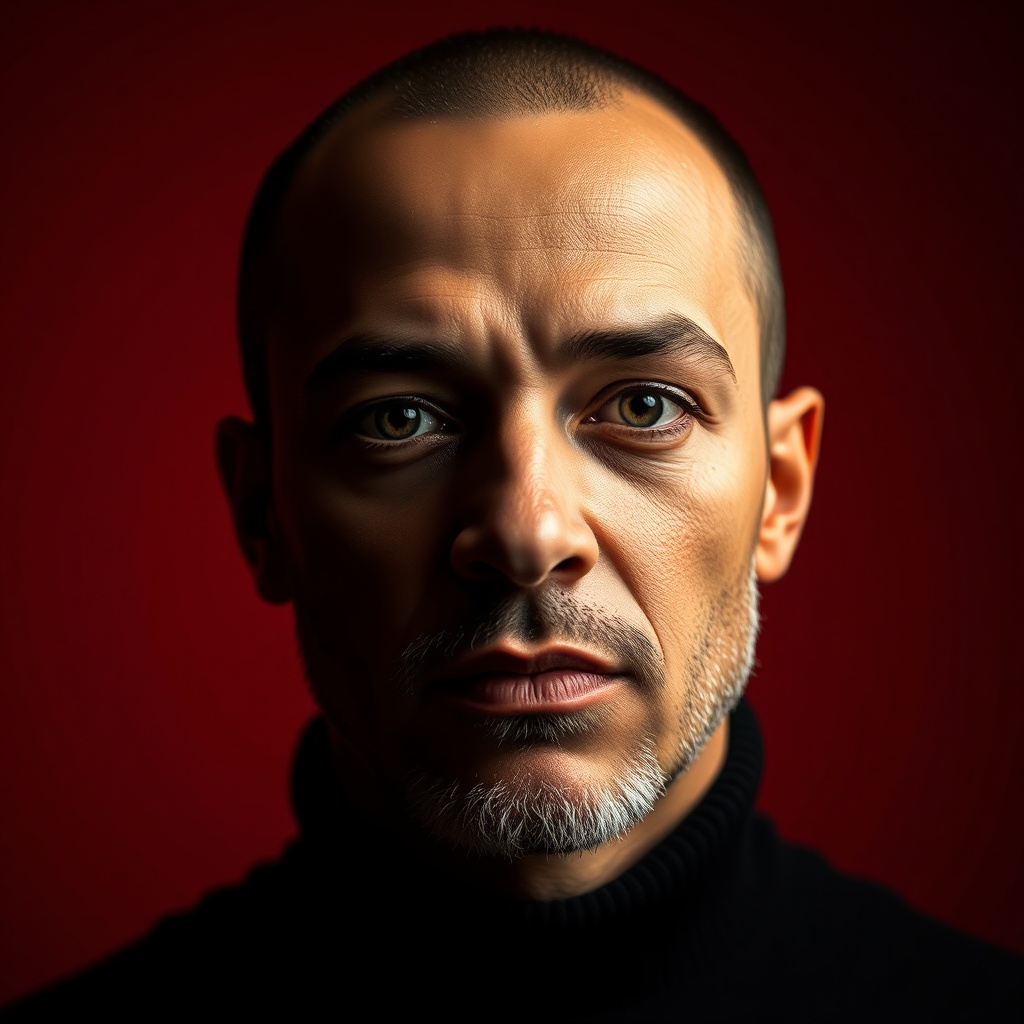 03
03A single bold colour behind you
One saturated backdrop makes your circle pop out of a wall of thumbnails.
-
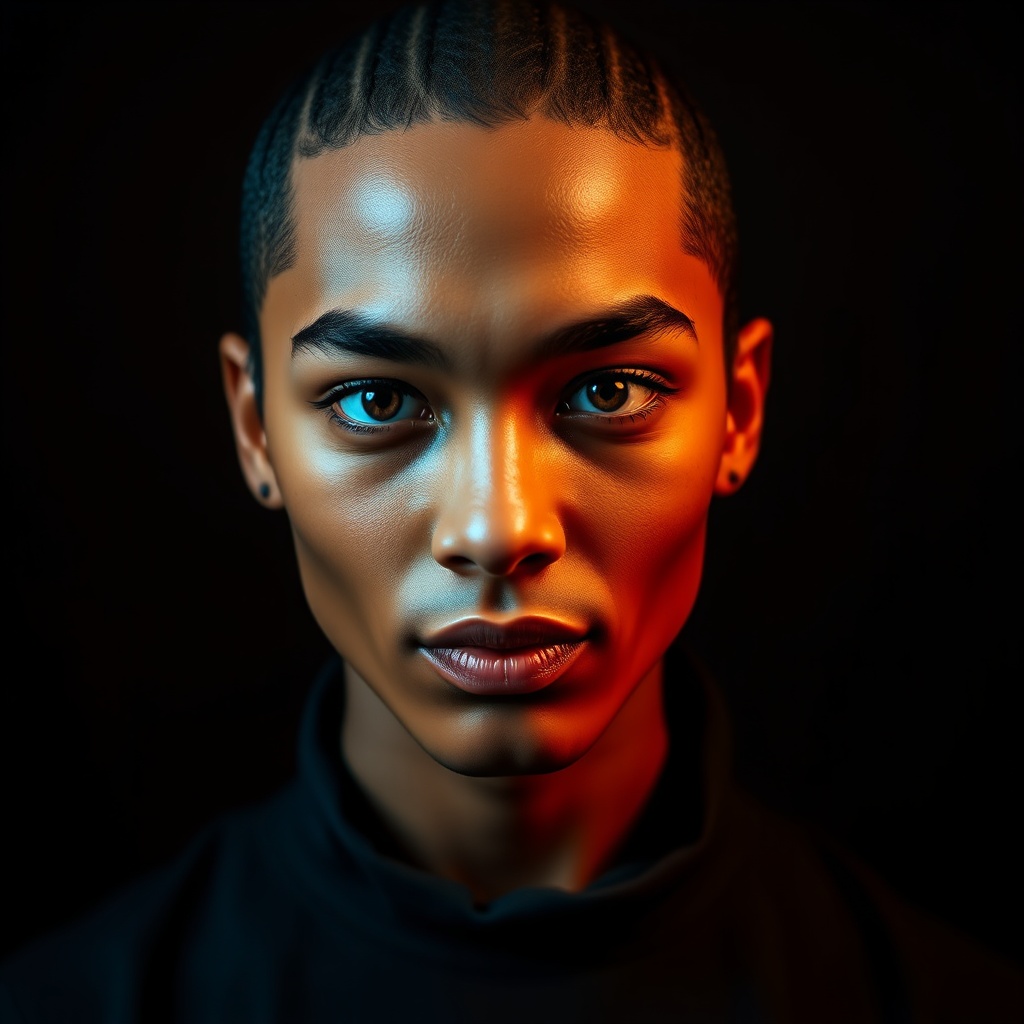 04
04On-brand with your niche
If your content has a look, your PFP should match it on sight. Cooking, gym, cosplay — make it obvious in half a second.
-
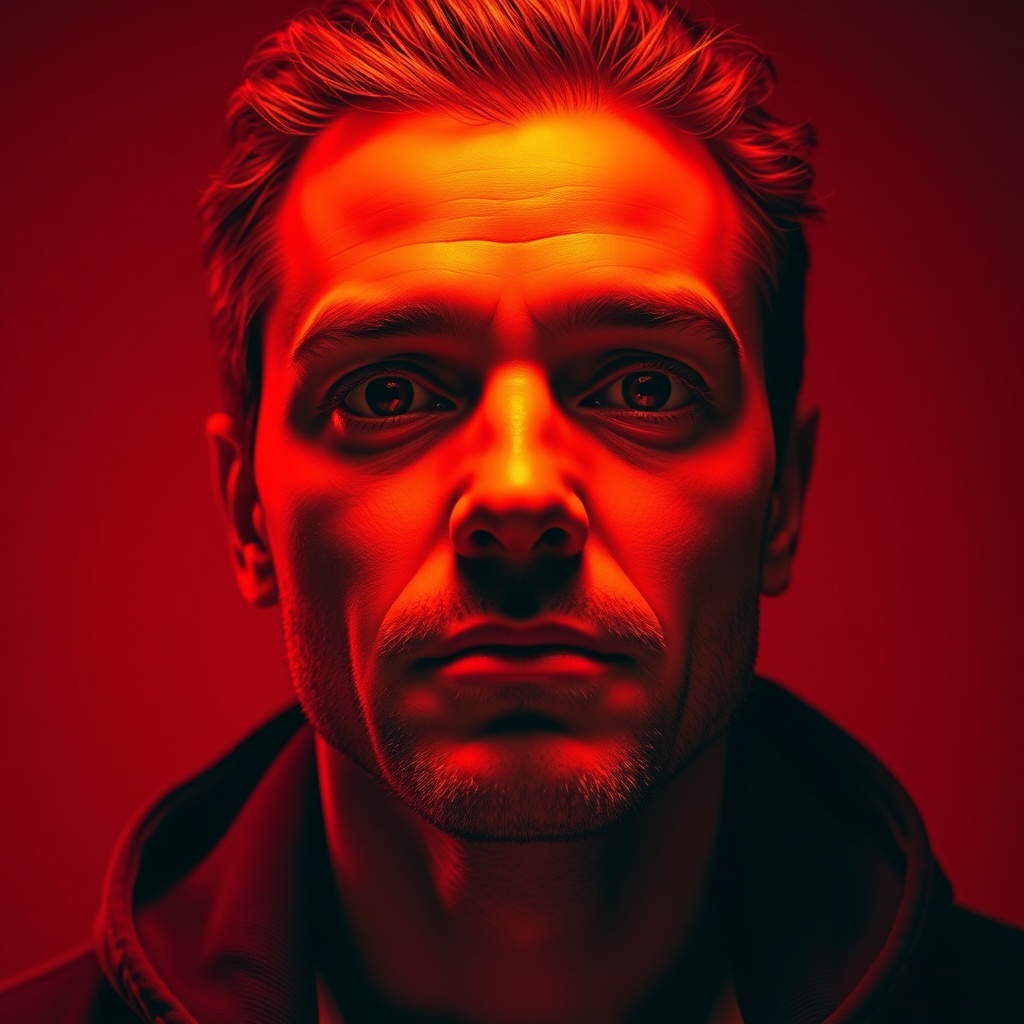 05
05No text
Whatever you're tempted to write, it'll be unreadable. The circle is too small. Let the image do all of it.
-
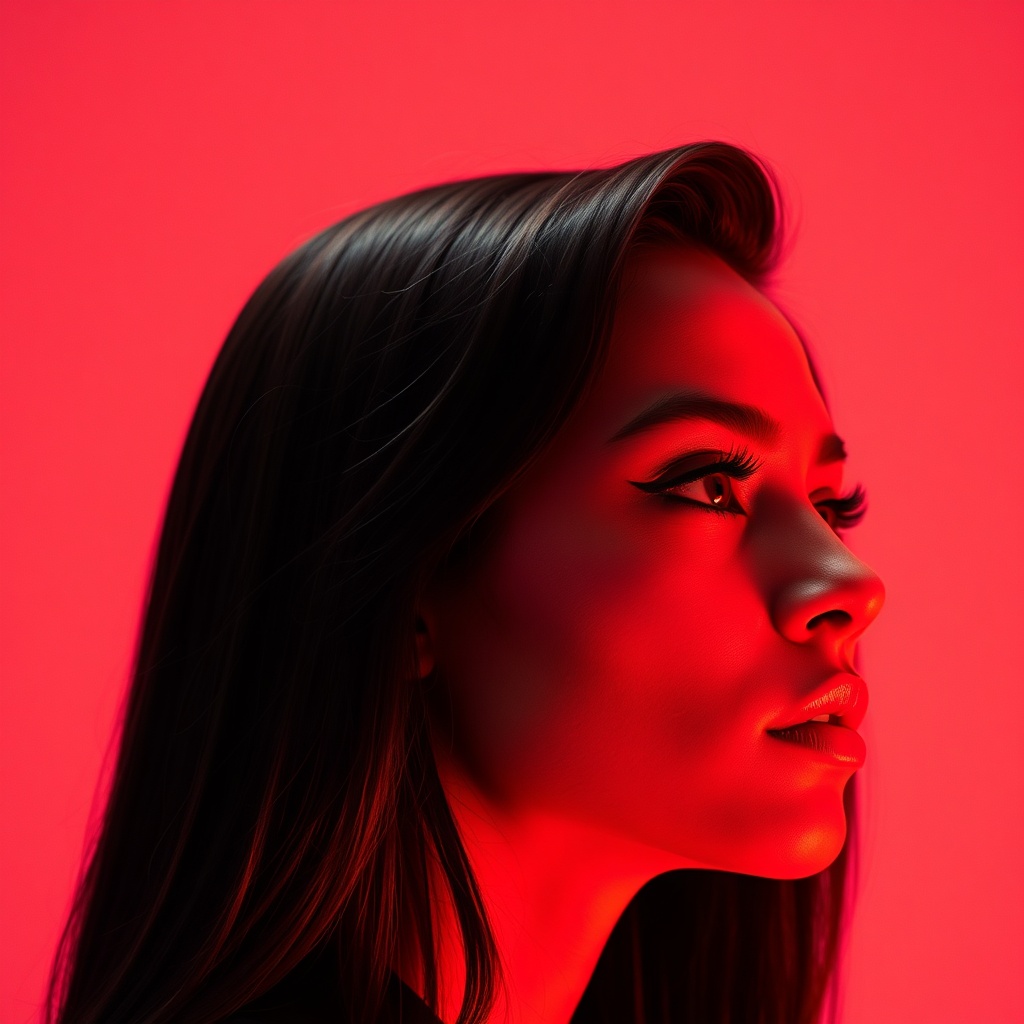 06
06Bold light or bold makeup
A strong key light or a graphic makeup look reads as intentional even at 60 pixels.
-
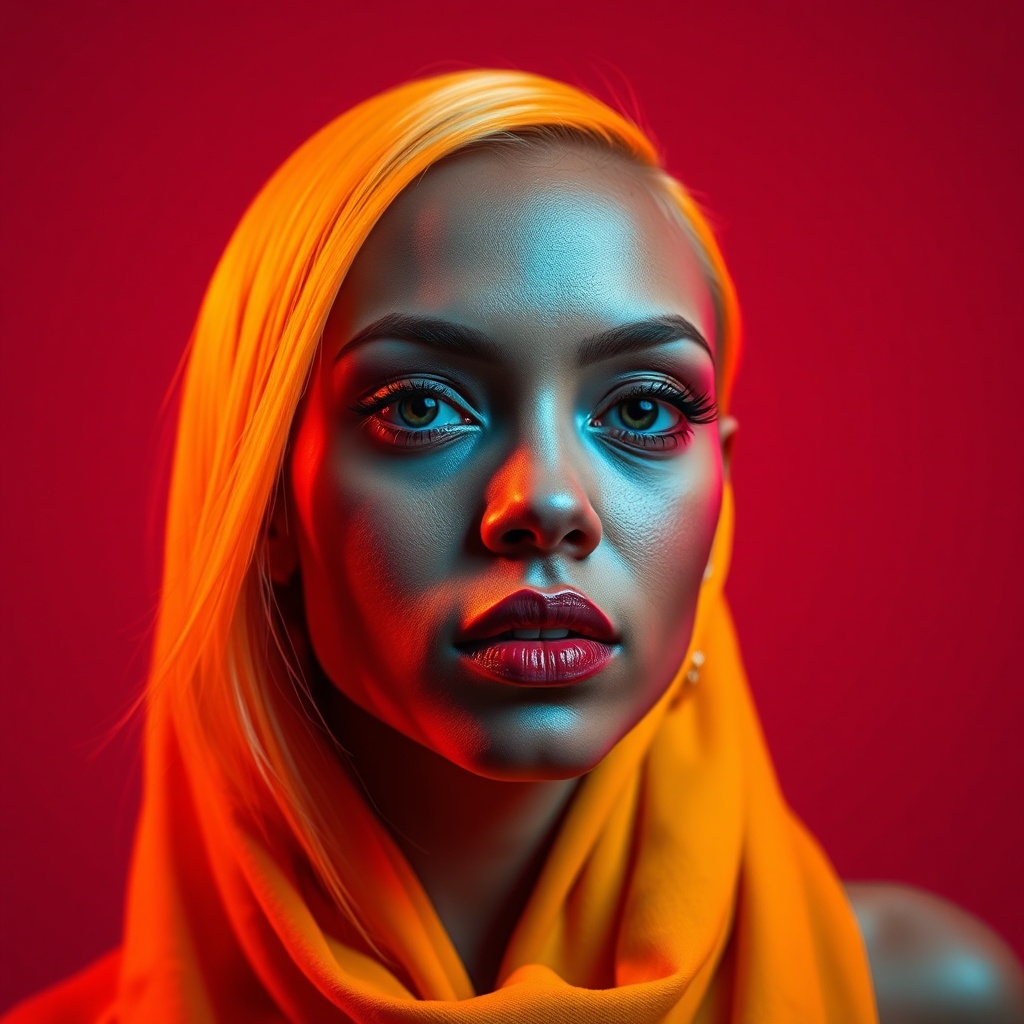 07
07Recognisable in a duet
Your PFP shows up on stitches and duets too. Pick something that still reads as you at a glance, anywhere.
-
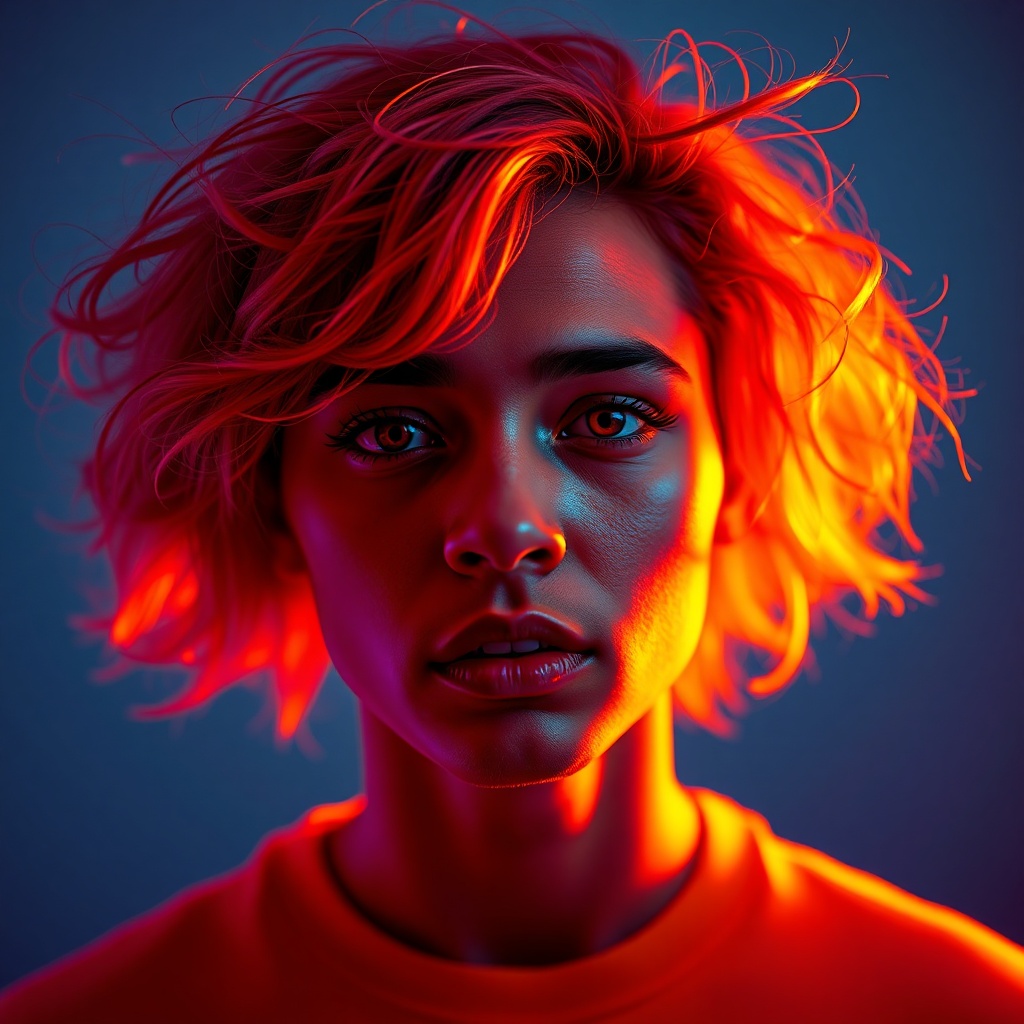 08
08Swap it to match a trend
A profile that moves with what's current signals you're active. Low effort, keeps you looking plugged in.
TikTok punishes the same profile-picture mistakes as everywhere else, just faster. Your PFP shows up as a tiny circle on the For You page, on every comment, on duets and stitches, and it flashes past at scrolling speed. It has a fraction of a second to register, which means subtlety is the enemy.
The feature almost nobody uses
Start here, because it’s the one genuinely TikTok-specific move: you can set a profile video, not just a photo. A short looping clip where a static image would be. On an app that is nothing but motion, a still picture is the thing that sits dead in the water — a slow, simple loop pulls the eye. The catch is the same as animated avatars anywhere: keep it calm. A gentle two-to-six-second move looks intentional; anything frantic looks like a glitch.
Everything else is contrast
If you’re sticking with a still, the rules are brutally simple because the circle is so small. One subject. Your face or focal point filling the frame. A background at the opposite brightness so the edges have somewhere to separate. And no text — whatever you want to write will be an illegible smudge at 60 pixels, so let the image carry the whole message.
Match the account to the content
The best-performing TikTok PFPs do a quiet job most people skip: they make the profile recognisable as yours the instant someone taps through from a video. If your content has a consistent look — a colour, an energy, a format — echo it in the picture so the connection is instant. And when you genuinely don’t have a shot that works, a clean AI portrait gives you a sharp, high-contrast base to build from.
Questions people ask
Can you use a video as your TikTok profile picture?
Yes. TikTok lets you set a short looping profile video instead of a still image — go to Edit Profile and choose a clip. Keep it a slow, simple 2–6 second loop; frantic motion looks cheap at that size, but a gentle move genuinely stands out next to everyone's static photos.
What size is a TikTok profile picture?
TikTok displays it as a small circle, so upload a square image at least 200×200px (larger is fine and stays sharper). Keep your face or subject centred and large, since the edges get cropped and fine detail disappears at that size.
How do I make my TikTok PFP stand out?
Maximise contrast and drop the clutter. One face or subject, a background that's the opposite brightness, no text, and ideally a look that matches your content so people connect the profile to the videos. If you want an edge, use the profile video option — most accounts don't.