By platform
WhatsApp DP Ideas
Warm, friendly display pictures for the app you open most.
-
 01
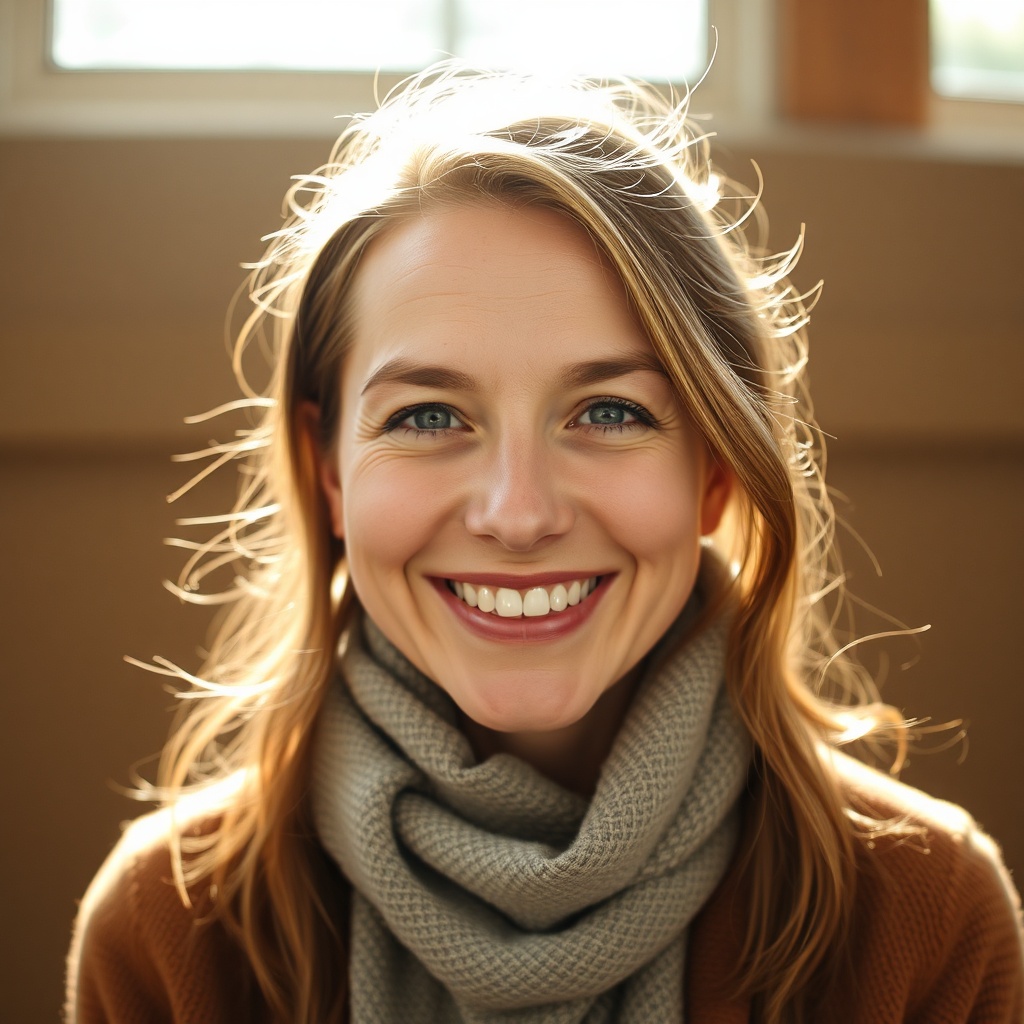
01The warm close-up
A friendly, smiling close-up. WhatsApp is personal — it should feel like you, not a brand.
-
 02
02Friendly & funny
A playful, lighthearted shot makes every chat feel warmer. Humour humanises the little circle.
-
 03
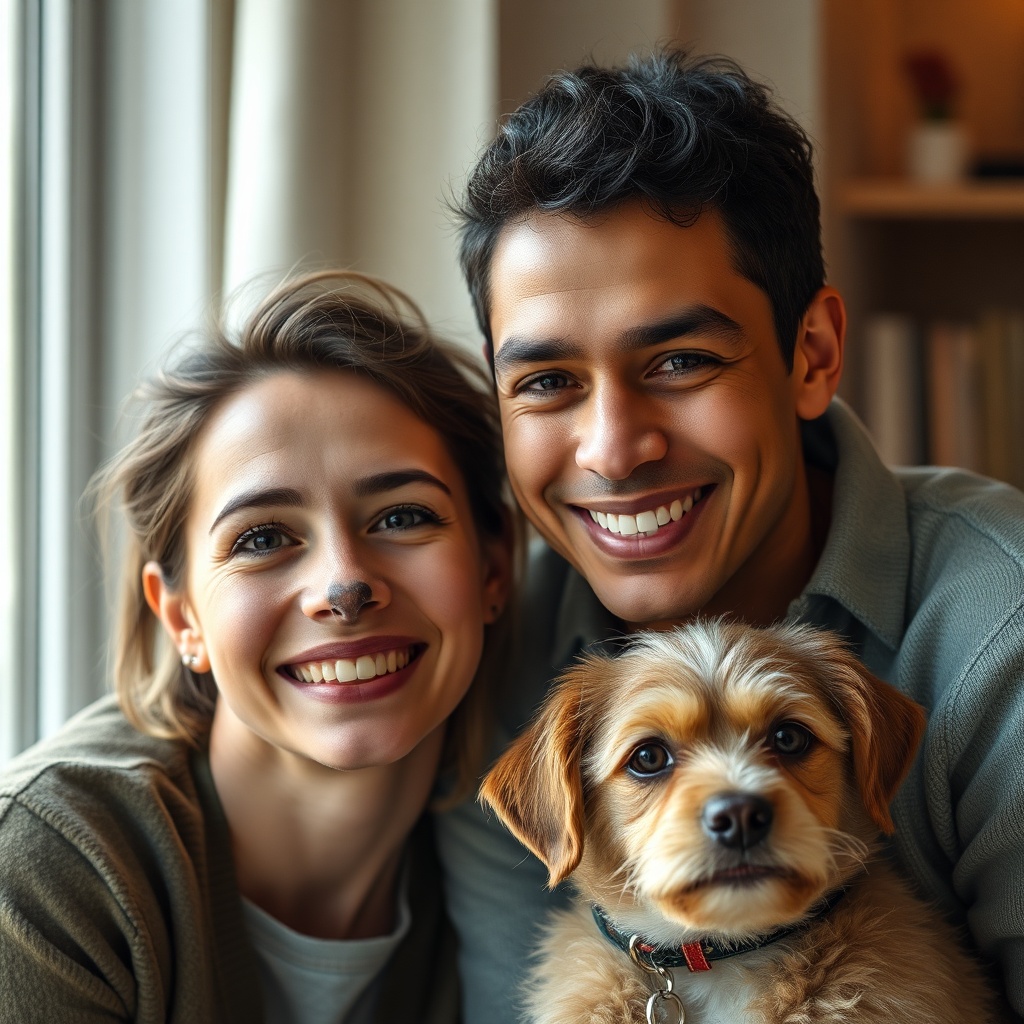
03You + your person / pet
A candid with a partner, kid or pet reads instantly warm and real.
-
 04
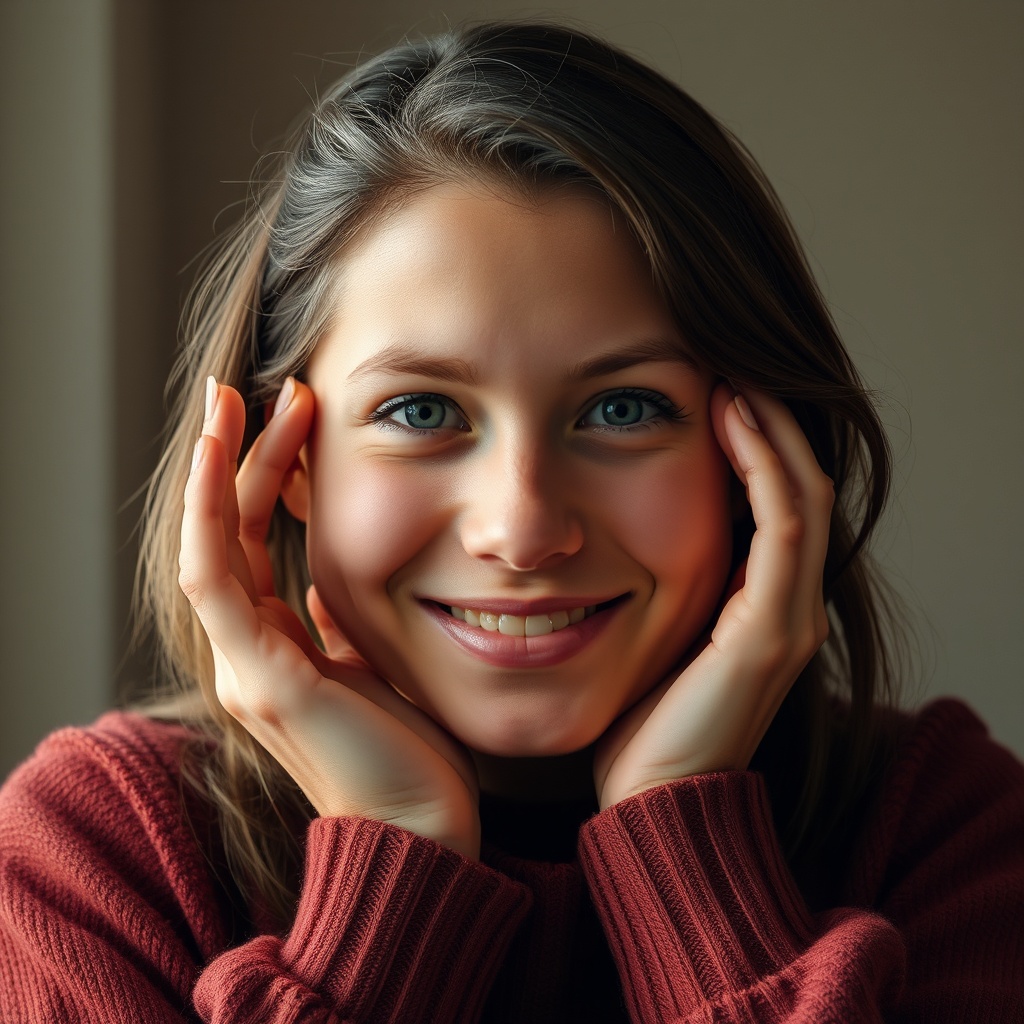
04Faceless & private
Prefer privacy? A silhouette, hands, or a favourite object keeps it personal without your face.
-
 05
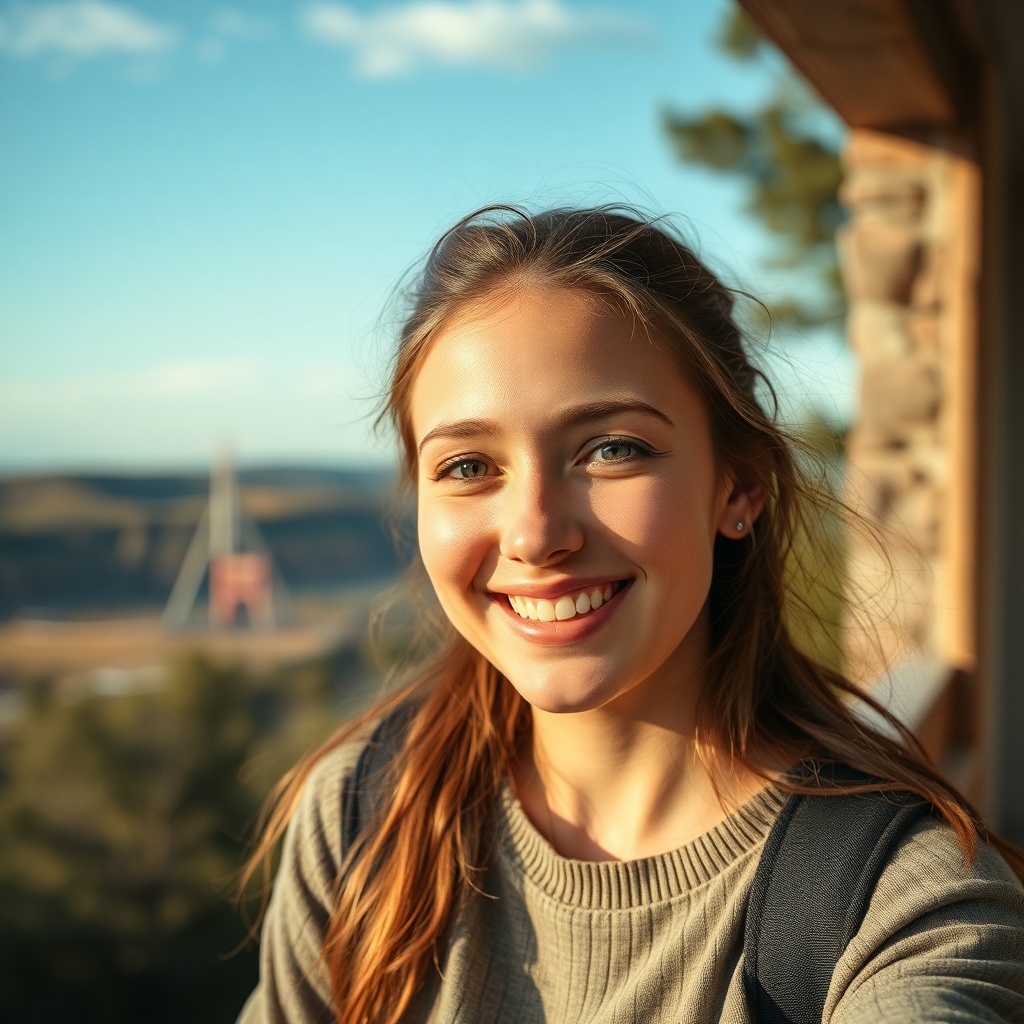
05A place you love
A calm landscape or travel shot as a quiet, aesthetic display picture.
-
 06
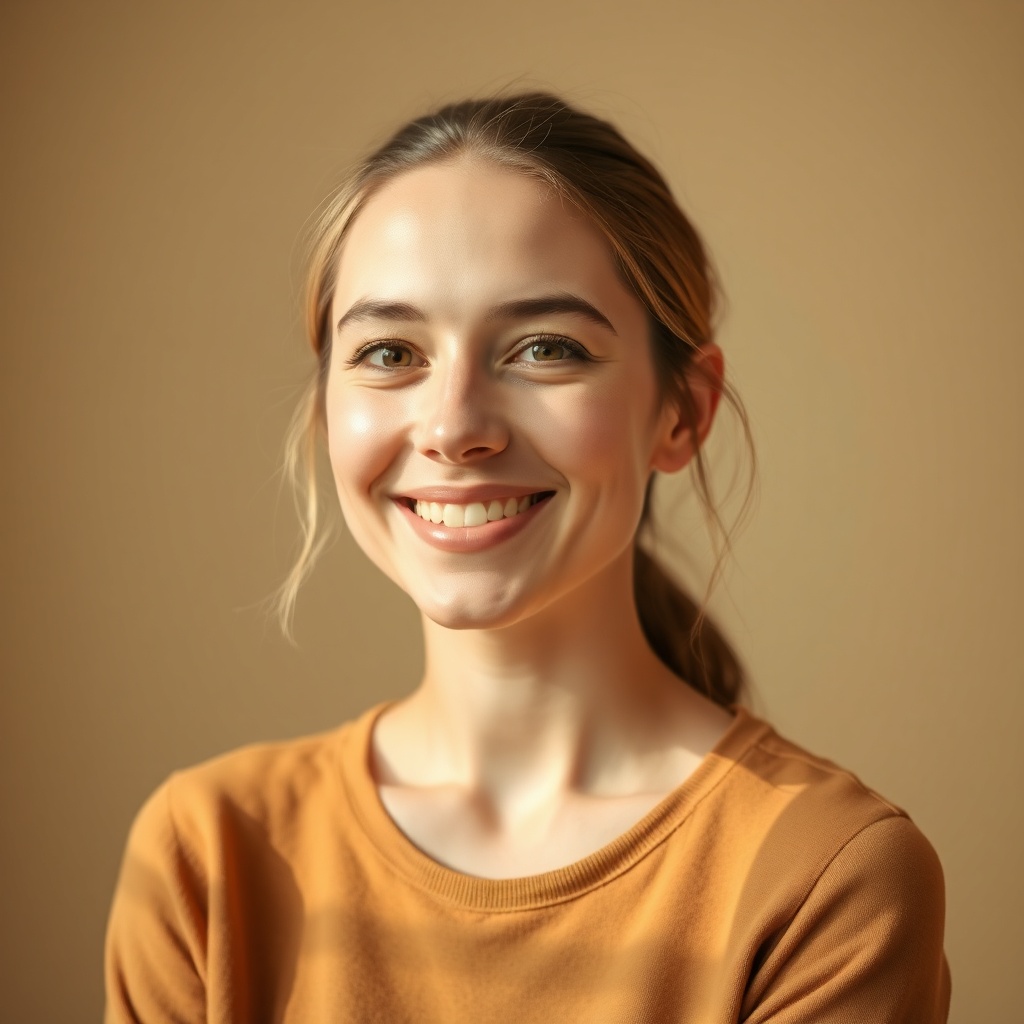
06Minimal initial or icon
A single letter or simple symbol on a solid colour — clean and unmistakable.
-
 07
07Seasonal switch-up
Rotate a subtle seasonal DP. Low effort, keeps your chats feeling current.
-
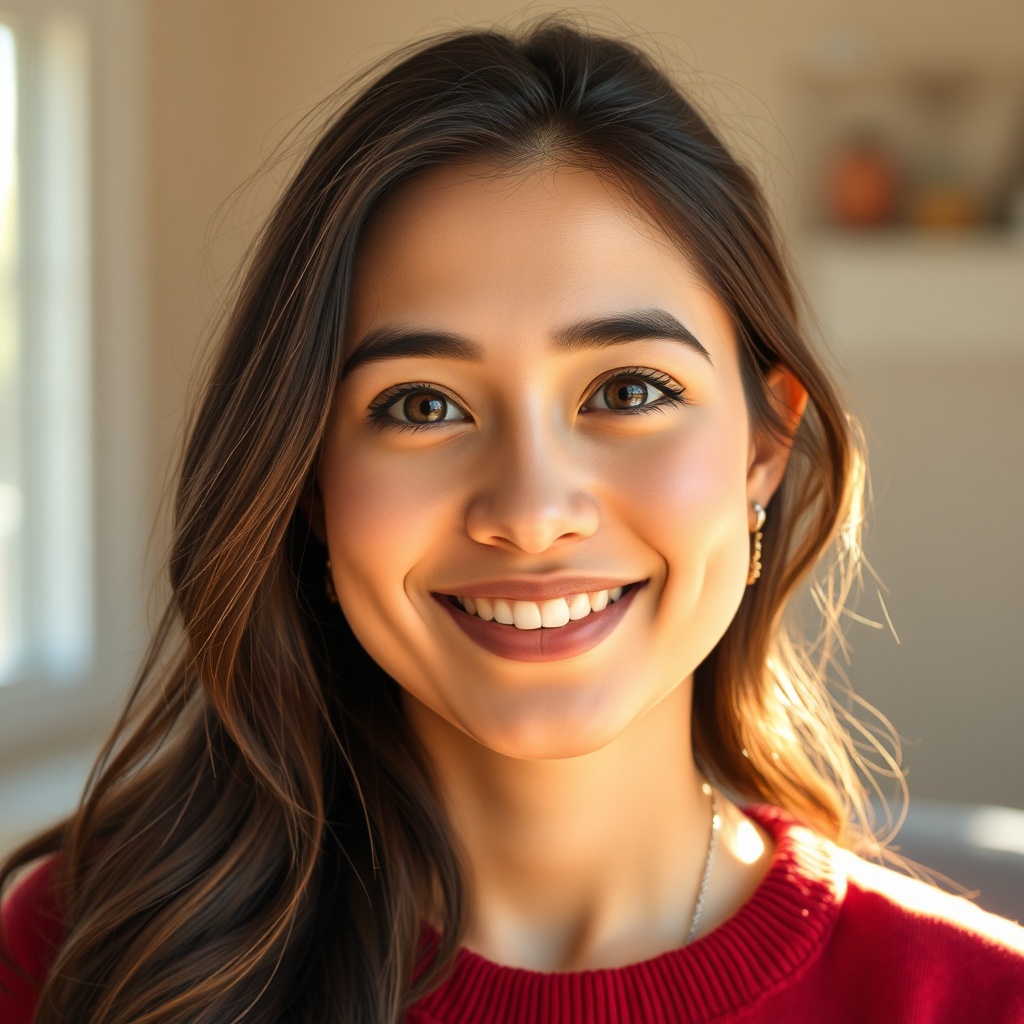 08
08AI stylised avatar
A soft, illustrated version of you if you want personal but not a literal photo.
Make it with ImagineArt →
WhatsApp is different from every other app your profile picture lives on. It isn’t a feed you’re performing for — it’s your most personal channel, seen by family, close friends and the group chats you actually live in. The best WhatsApp DPs lean into that: warm, friendly, and unmistakably you.
Warmth beats polish
On Instagram you might optimise for aesthetic; on LinkedIn for competence. On WhatsApp, the currency is warmth. A genuine smiling close-up, a candid with someone you love, a photo that makes a friend smile when your name pops up — that’s the brief. A friendly or lightly funny DP humanises every conversation it sits beside.
The privacy question
Because WhatsApp is tied to your phone number, a lot of people would rather not show their face to every contact. That’s completely valid, and faceless DPs are a whole genre: a silhouette, your hands, a pet, a favourite object, or a calm landscape. You keep it personal and yours without putting your face out there.
Everywhere else your profile picture is a first impression. On WhatsApp it’s a greeting — it should feel like you saying hello.
Keep it sharp
WhatsApp compresses profile photos aggressively. Upload a square image around 640px, keep your subject large and centred (the corners get cropped to a circle), and favour a bright, clear shot — dark or fussy detail gets lost. If you want personal-but-not-literal, a stylised AI avatar gives you a soft, illustrated version of yourself that still feels like you.
Questions people ask
What size is a WhatsApp profile picture?
WhatsApp crops display pictures to a circle and stores them fairly small, so upload a square image around 640×640px. Keep your face or subject centred, since the corners get cropped off.
Why does WhatsApp make my DP blurry?
WhatsApp compresses profile photos hard. Upload a sharp, well-lit square image and make sure the subject is large in the frame — small or dark details get lost after compression.
What's a good WhatsApp DP if I want privacy?
Go faceless — a silhouette, your hands, a pet, a favourite object, or a place you love. It stays personal and warm without showing your face to everyone who has your number.